Notebooks you can rerun
CBIO7501 · Lesson 06
Aziz Khan
Today you will
- explore the LTEE reads in a notebook that uses the project’s environment
- prove the notebook runs top to bottom without you
- clear outputs before sharing
- catch a notebook that only works because of the order you clicked
What is Jupyter?
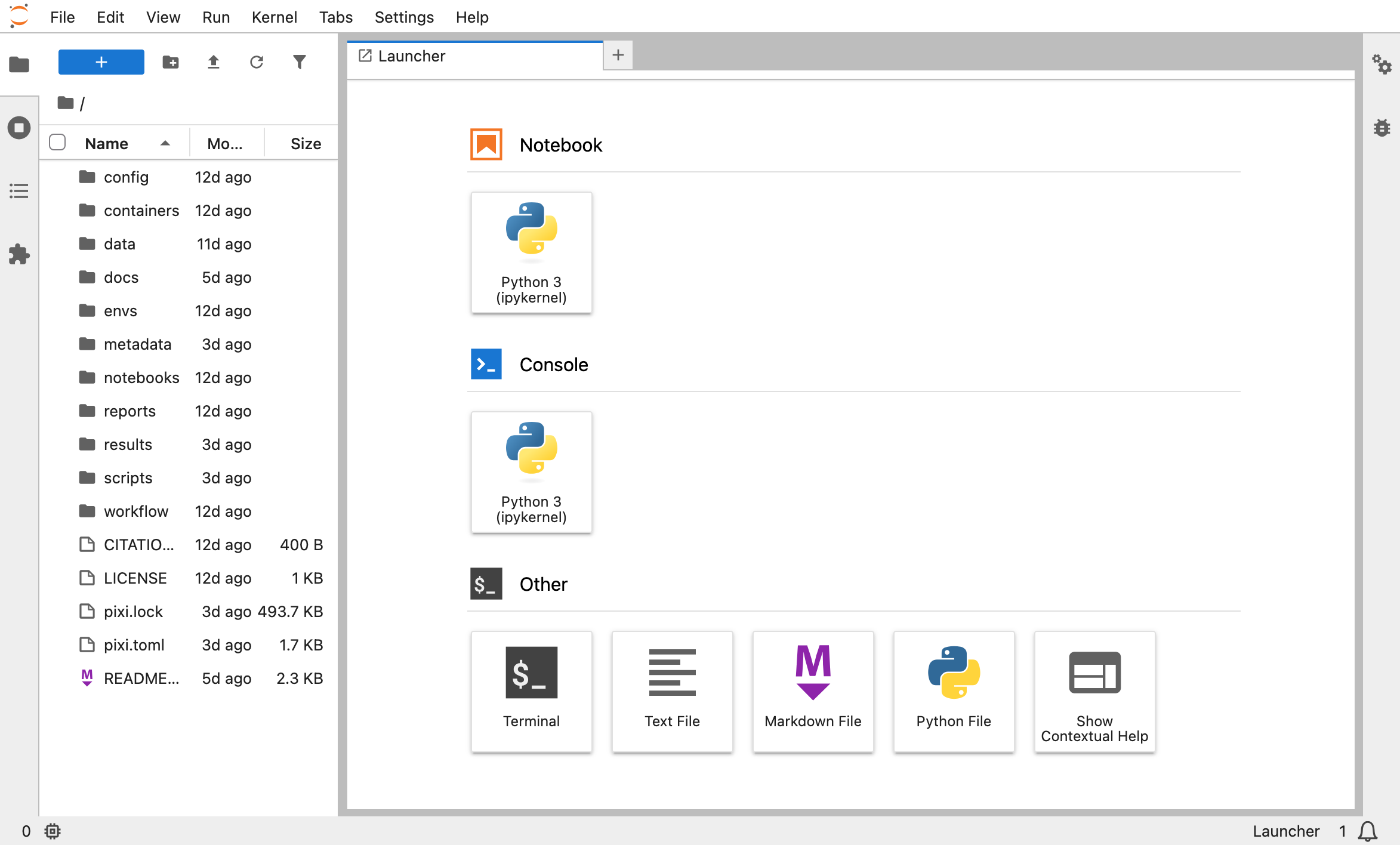
- An open-source project for interactive computing
- Write and run code in your browser, with its output right below
- JupyterLab: notebooks, consoles, a terminal and files, in tabs
- Start it with the project’s environment:
pixi run jupyter lab
A notebook mixes text, code and output
From notebooks/explore-reads.ipynb:
sample
SRR2584863    21.0
SRR2584866    21.8
SRR2589044 21.4- Markdown cells for text, code cells for code, output attached to the cell
- Magics run other languages in a cell:
%%bash, or%%Rwithrpy2
Notebooks: great for exploring
- Run a little code, see the result, try again
- A lab notebook, data exploration, trying out code, small reports
- Same Python and packages as everyone else (
pixi run jupyter lab)
… and easy to fool yourself with
The test: a fresh kernel, top to bottom
If it fails here, it would fail for everyone else. Quarto renders notebooks the same way, on a fresh kernel (lesson 07).
Outputs belong to a run, not to the code
- Saved outputs make files big and diffs unreadable (Git, lesson 04)
- They can be older than the code next to them
- Clear before you commit:
Sharing notebooks
- GitHub shows
.ipynbfiles rendered, with their saved outputs - Export:
jupyter nbconvert --to html, orquarto render notebook.ipynb - nbviewer renders any public notebook from a link
- Binder runs a repository’s notebooks in the browser
In this course: commit notebooks without outputs; share the rendered HTML for reading.
Jupyter now, Quarto next
| Jupyter | Quarto (lesson 07) | |
|---|---|---|
| file format | JSON (.ipynb) |
Markdown (.qmd) |
| code runs in | cells, one at a time, in any order | cells, all at render |
| you work in | the browser | your editor and the command line |
| way of working | interactive | render top to bottom |
| good for | exploring | reports you share |
Quarto also renders .ipynb files, so the two work together.
Notebook, script or report?
| Use it for | |
|---|---|
| Notebook | exploring, trying ideas |
scripts/ |
code you reuse (the report imports it) |
| Quarto report | results you show others (lesson 07) |
Think, pair, share
3 minutes. Open a notebook you wrote before this course. Would it run from top to bottom on a fresh kernel today? What would stop it: missing data, a cell run out of order, a package version, a path on your laptop?
Quiz
- A saved notebook shows execution counts
[1] [4] [2] [3]. What does it suggest?- nothing (b) cells ran out of order; check with restart-and-run-all (c) the kernel crashed
- Which command proves a notebook runs without you?
jupyter lab(b)jupyter nbconvert --execute ...(c)jupyter kernelspec list
Recap
- Start Jupyter through Pixi: same environment as everything else
- Restart and run all, or
nbconvert --execute, before you share - Clear outputs before committing
- Explore in notebooks, reuse in scripts, report in Quarto
Now: tutorial 06, then your own project.
Sources
- Tools for Reproducible Research, NBIS. CC BY 4.0. https://nbisweden.github.io/workshop-reproducible-research/
- Rule A, Birmingham A, Zuniga C, et al. (2019). Ten simple rules for writing and sharing computational analyses in Jupyter Notebooks. PLoS Comput Biol 15:e1007007. https://doi.org/10.1371/journal.pcbi.1007007
- Project Jupyter: https://jupyter.org/
- Screenshot ‘JupyterLab’: NBIS, Tools for Reproducible Research, CC BY 4.0.
Text and slides CC BY 4.0 unless marked otherwise. Full list: Sources and credits.
CBIO7501: The Art of Reproducible Research - CC BY 4.0